Enter text

Paste plain text or upload TXT/DOCX and we will turn it into a mind map.

0/40,000

UTF-8 TXT or DOCX; guests can use up to 40,000 characters, with longer input available after sign-in

Template guide

How to organize articles, research, and complex information with a horizontal mind map

A horizontal mind map turns long, hierarchical text into a visual structure that reads naturally from left to right. The central topic begins on the left, primary ideas extend to the right, and supporting arguments, evidence, examples, and conclusions continue in deeper levels. This format is especially useful for article outlines, research reports, course notes, project analysis, personal knowledge bases, and any source that contains several connected themes.

You do not need to draw nodes manually. Paste plain text or upload a UTF-8 TXT or DOCX file. DOCX text is extracted locally and shown for review before AI identifies topics, paragraphs, and hierarchy. Clear headings, paragraph breaks, and focused sentences normally produce a more reliable result.

What is a horizontal mind map?

It is a left-to-right hierarchy for a central topic, major ideas, and supporting details. The reading direction remains familiar while the map provides enough space for deeper levels and comparisons between ideas at the same level.

Why use a horizontal structure?

Long prose is difficult to review quickly. A horizontal map removes repeated wording, highlights relationships between claims and evidence, and gives complex material a stable visual outline that is easier to revise.
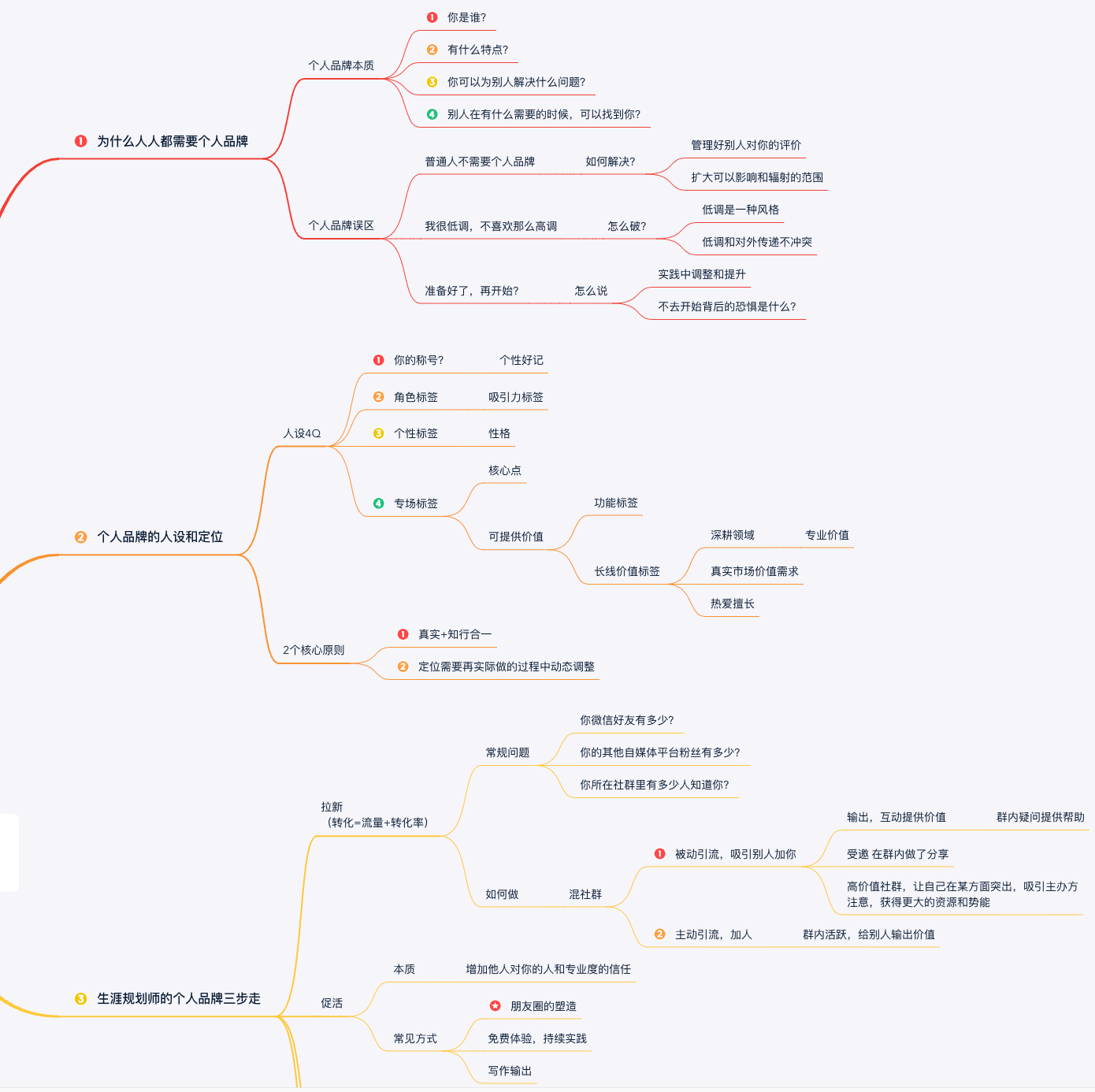
See the transformation

From dense source material to a readable hierarchy

Before: Article and research notes

Research notes — Remote work adoption

  • Productivity changes depend on task type and team practice
  • Communication quality matters more than meeting volume
  • Async documentation reduces repeated questions
  • Managers need clearer outcomes and ownership
  • Risks include isolation, context loss, and uneven access

After: Structured horizontal mind map

Horizontal mind map template

How to build your mind map

How to generate a horizontal mind map

The generation pipeline still uses inspectable plain text. Paste content or upload TXT/DOCX; DOCX text is extracted in the browser. PDF, legacy DOC, and image files are not supported.

  1. 01

    Prepare the source

    Keep meaningful titles, headings, paragraphs, and numbering. Remove repeated headers, footers, corrupted text, and unrelated material.

  2. 02

    Paste or upload TXT/DOCX

    Enter content directly or upload a UTF-8 .txt or standard .docx file. DOCX files can be up to 5MB and extracted text is limited to 40,000 characters.

  3. 03

    Generate and review

    Check that the central topic and primary branches are complete and that separate ideas have not been combined incorrectly.

  4. 04

    Preview and export

    Open the completed result, verify the hierarchy, and use the map for writing, study, analysis, or presentations.

Who it’s for

Who this template is for and when to use it

Consider the content type, hierarchy, and intended outcome to decide whether this template fits the task.

Who is it for?

It suits students, teachers, writers, researchers, product managers, analysts, and other knowledge workers who need to understand, reorganize, or present long and layered text.

When should it be used?

Use it before writing an outline, after reading a complex document, during research synthesis, or before presenting material that contains several themes and multiple levels of supporting information.

Practical guidance

Tips for a clear and useful hierarchy

A horizontal template can hold many nodes, but more source text does not always create a better map. Give each primary branch one clear subject, then place reasons, methods, examples, or conclusions below it. If several topics are mixed in one paragraph, add headings or line breaks before generating. Breaking long parallel sentences into shorter statements also makes the intended hierarchy easier to detect.

Treat the generated map as a structured interpretation of the source, not a replacement for fact-checking. Verify research data, names, dates, technical terms, and final conclusions against the original text. For very long documents, generate one map per chapter and then combine the main branches into a separate overview so that the final map remains readable.

Frequently asked questions

Horizontal mind map FAQ

How is this different from a radial mind map?

The horizontal layout follows a left-to-right reading path and supports deeper hierarchies. A radial map that expands in several directions is usually better for open brainstorming with fewer branches.

What kind of text works best?

Articles, reports, lessons, and research notes with headings, paragraphs, subheadings, or numbering normally produce the most accurate structure.

Can I upload DOCX, PDF, or image files?

Standard DOCX files are supported and their text is extracted locally for review. Legacy DOC, PDF, images, encrypted files, and scanned content are not supported.

What should I do with a very long document?

Split it by chapter or topic, create smaller maps, and combine their primary branches into a final overview. This gives better control over density and missing points.