Enter text

Paste plain text or upload TXT/DOCX and we will turn it into a mind map.

0/40,000

UTF-8 TXT or DOCX; guests can use up to 40,000 characters, with longer input available after sign-in

Template guide

How to organize plans, meeting notes, and summaries with a vertical mind map

A vertical mind map places the central subject at the top and expands information downward. It matches the way people scan plans, agendas, meeting summaries, and action lists. This makes sequence, priority, decisions, and missing steps easier to recognize. Daily plans, project stages, meeting topics, conclusions, action items, and structured summaries can all be presented in this compact format.

Paste text or upload a UTF-8 TXT or standard DOCX file. DOCX text is extracted locally for review before AI identifies the subject and key points. The template emphasizes order and important information rather than preserving every sentence.

What is a vertical mind map?

It is a top-to-bottom map for displaying a subject, stages, agenda items, decisions, and related actions in a clear visual order. The reader follows one consistent vertical direction.

Why use a vertical structure?

Plans and meeting notes must reveal conclusions and next steps quickly. The vertical layout reduces side-to-side scanning and makes priorities, order, deadlines, and missing actions easier to find.
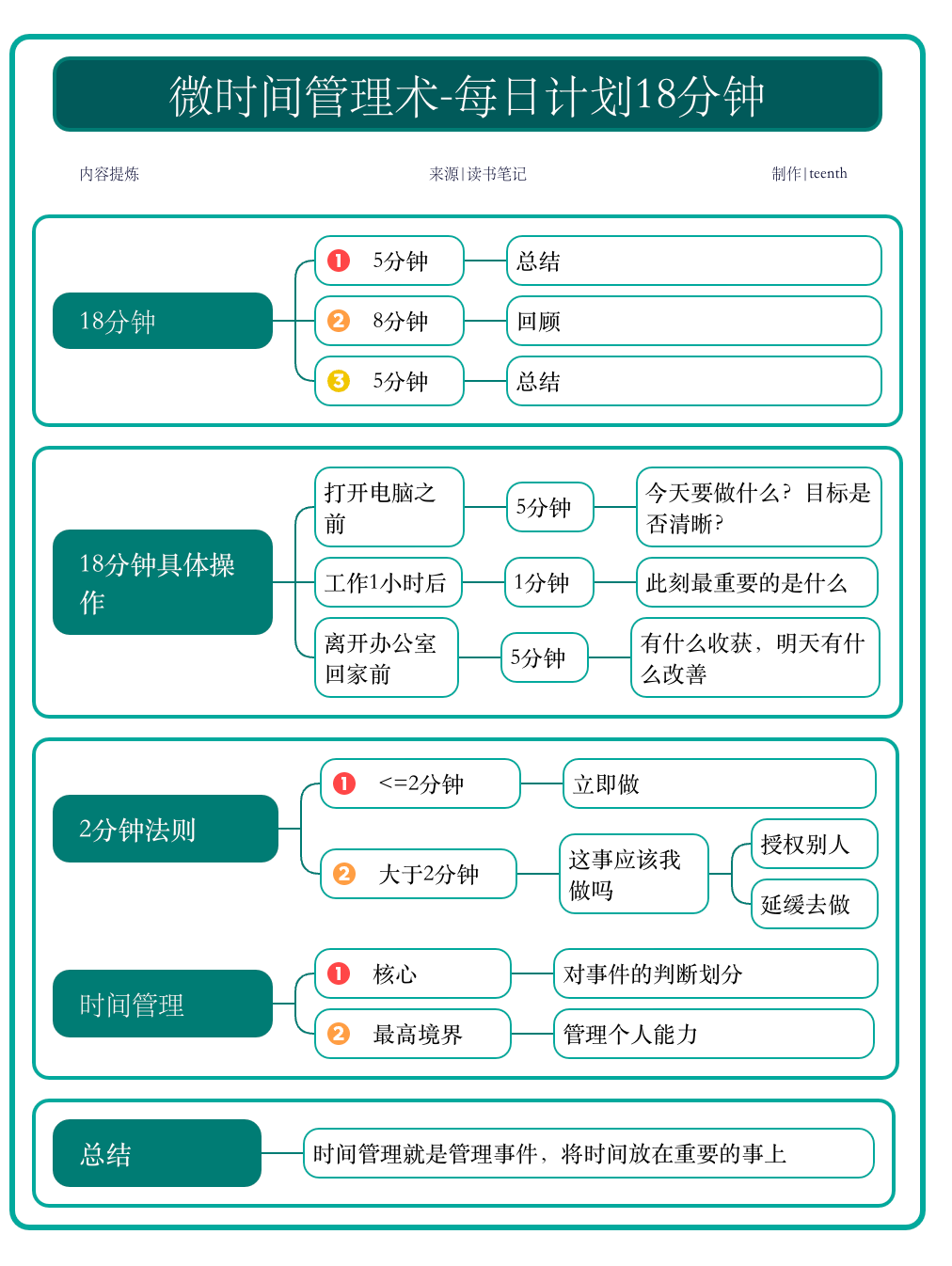
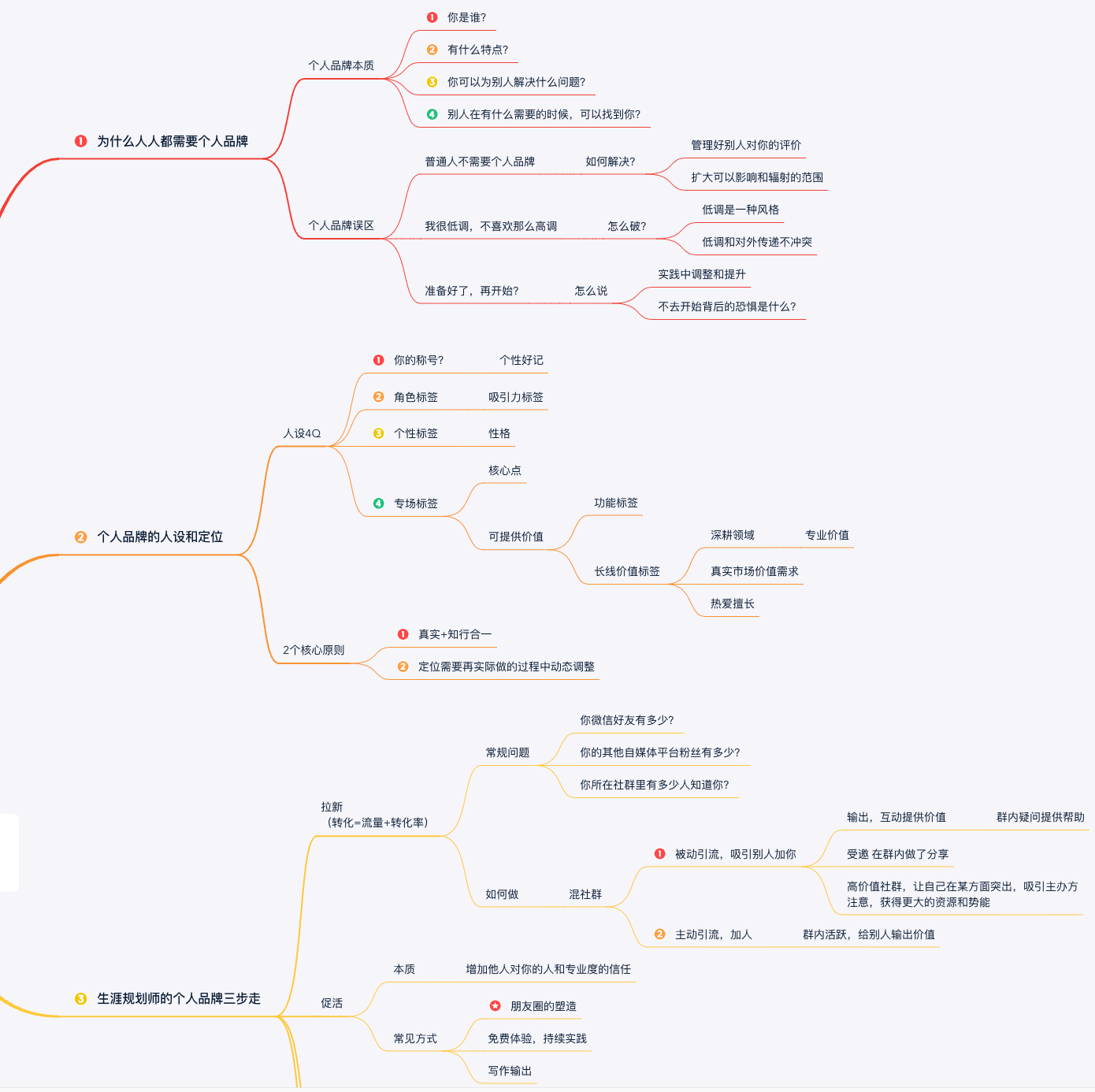
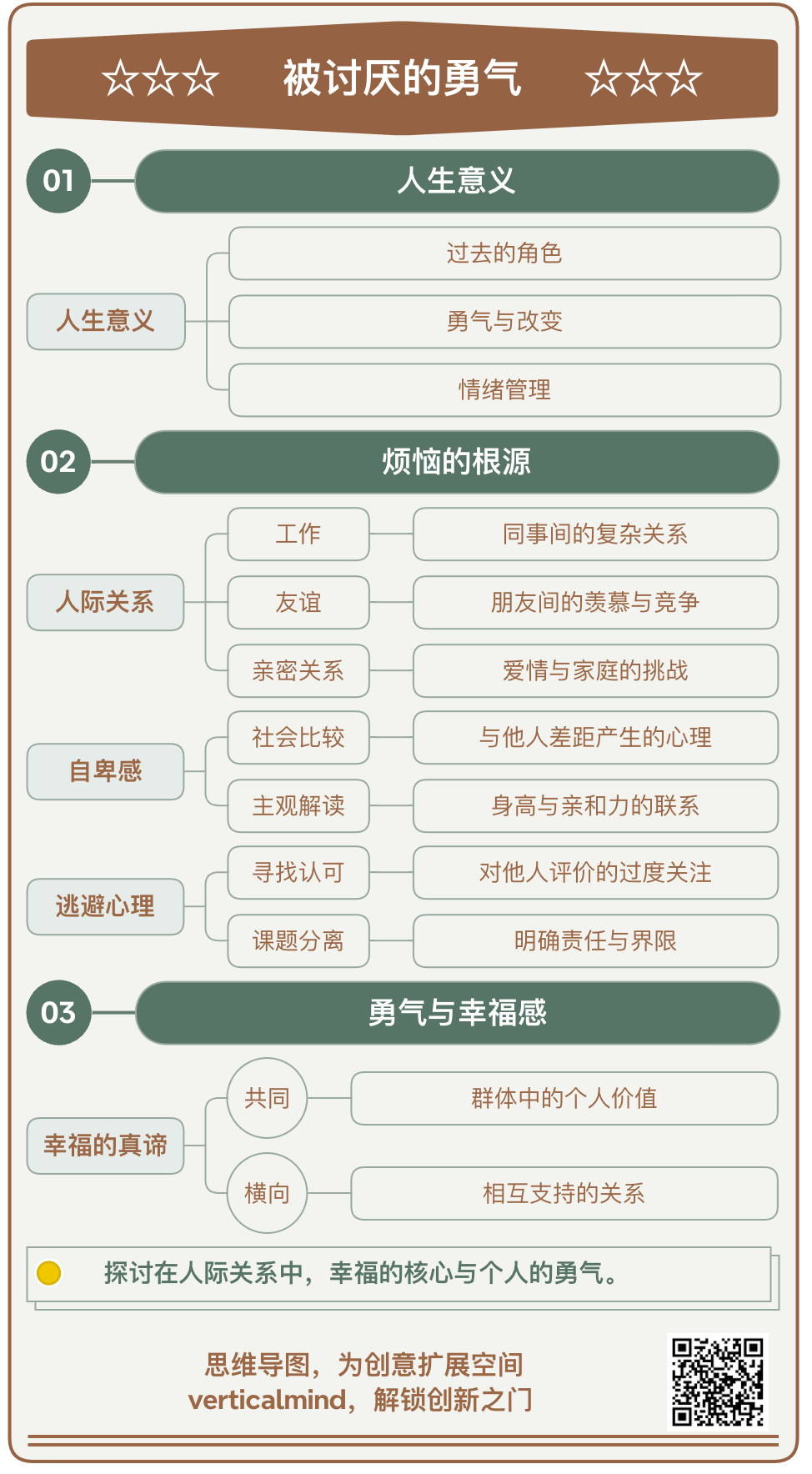
See the transformation

From unstructured updates to an actionable overview

Before: Raw meeting notes

Weekly project meeting

  • Launch date depends on final content review
  • Design team will deliver mobile assets on Tuesday
  • Engineering is checking export reliability
  • Marketing needs the approved product screenshots
  • Next review: owners, deadlines, risks, and blockers

After: Clear vertical mind map

Vertical mind map template

How to build your mind map

How to generate a vertical mind map

Focus the source on sequence, decisions, ownership, and actions before generating the map.

  1. 01

    Clean the original notes

    Remove greetings and repeated discussion. Keep topics, decisions, owners, deadlines, risks, dependencies, and next steps.

  2. 02

    Enter plain text

    Paste the content or upload UTF-8 TXT or standard DOCX. Use line breaks, numbering, and headings to separate topics or project stages.

  3. 03

    Generate and verify

    Confirm the top subject and check every important conclusion, date, owner, and task against the original notes.

  4. 04

    Share or execute

    Use the completed map for follow-up communication, weekly planning, project reviews, or a personal task overview.

Who it’s for

Who this template is for and when to use it

Consider the content type, hierarchy, and intended outcome to decide whether this template fits the task.

Who is it for?

It is useful for project leads, managers, operators, students, teams, and individuals who organize meetings, weekly plans, project progress, work summaries, or personal tasks.

When should it be used?

Use it after a meeting, while creating a staged plan, during a project review, or whenever the order of actions is more important than a very deep knowledge hierarchy.

Practical guidance

Tips for plans and meeting summaries

A vertical template normally works best with 10 to 30 key points and no more than four levels. Meeting notes can follow topic, decision, and action item. Plans can follow goal, stage, task, and checkpoint. Ownership, deadlines, dependencies, and completion criteria are usually more valuable than a complete transcript of the discussion.

If the source contains several unrelated subjects, create separate maps. If the information requires more than four levels, switch to the horizontal template for better readability. AI can identify a structure, but it cannot decide whether a meeting commitment is valid, so budgets, dates, responsibilities, and promises must be reviewed manually.

Frequently asked questions

Vertical mind map FAQ

Is a vertical mind map the same as a flowchart?

It can show simple stages and order, but it remains a mind map. Use a dedicated flowchart tool for conditional logic, complex connections, or cross-functional process design.

Can I use a meeting transcript?

Yes, after converting it to plain text. Removing repeated speech and marking topics, decisions, and actions will produce a more focused result.

Why should deep content use another template?

Too many vertical levels can become crowded and create long connections. Articles and complex research are generally easier to read in the horizontal template.

Which file types are supported?

Typed text, UTF-8 .txt, and standard .docx files are supported. DOCX text is extracted in the browser; legacy DOC, PDF, images, encrypted files, and scans are not supported.